
A talk that leaves no trace is difficult to prove. You can list a conference on a CV, but a line of text is weak evidence that you spoke well, held a room, or explained something clearly. A recording is stronger. It shows the actual delivery, the material, and the audience response in a form that a curator, an assessor, or a client can verify in minutes. For professionals who build a reputation through public work, recordings turn claimed experience into documented practice.
This checklist covers the practical side of capturing talks and workshops as usable evidence, from planning before the event to storing and describing the material afterwards. It applies to conference sessions, meetups, guest lectures, and internal workshops alike. The aim is a small, well-organised archive that proves what you have done and makes it easy for others to check.
Why recorded delivery counts as evidence
Written summaries describe what you intended; a recording shows what happened. That difference matters to the people who evaluate public profiles. A selection panel reading a speaker biography is working from assertion. A panel watching three minutes of footage is working from observable behaviour: how you organise an argument, how you handle a difficult question, how you hold an audience's attention. Evidence of this kind is harder to inflate and therefore more persuasive.
Recordings also serve you. Reviewing your own delivery exposes habits you cannot see in the moment, from filler words to slides that confuse rather than clarify. The same footage that proves your experience to others can improve your next session, which is why it is worth capturing even when nobody has asked to see it.
Planning before the event
Most recording problems are solved before you arrive. Ask the organiser in advance whether recording is permitted and whether the venue already captures sessions. Many conferences film their main tracks, and the fastest way to get usable footage is to request the official file rather than setting up your own camera. If the event does not record, ask whether you may bring a device of your own.
Confirm the practical details early: where a camera can be placed, whether power is available, and who else needs to consent. Speakers, session chairs, and sometimes audience members must agree to being filmed. Sorting this out in advance avoids the awkward scramble of asking permission at the start of a live session, when attention should be on the room.
Getting permissions and releases in order
Consent deserves its own step. For a solo talk, the organiser's permission may be enough, but check whether other speakers on the same panel need to sign a release too. For a workshop, participants appear on camera, so a simple consent statement or sign-in sheet is standard practice. Explain how the footage will be used, store the permissions with the footage, and never publish a clip of someone who did not agree to it.
Technical setup that produces watchable footage
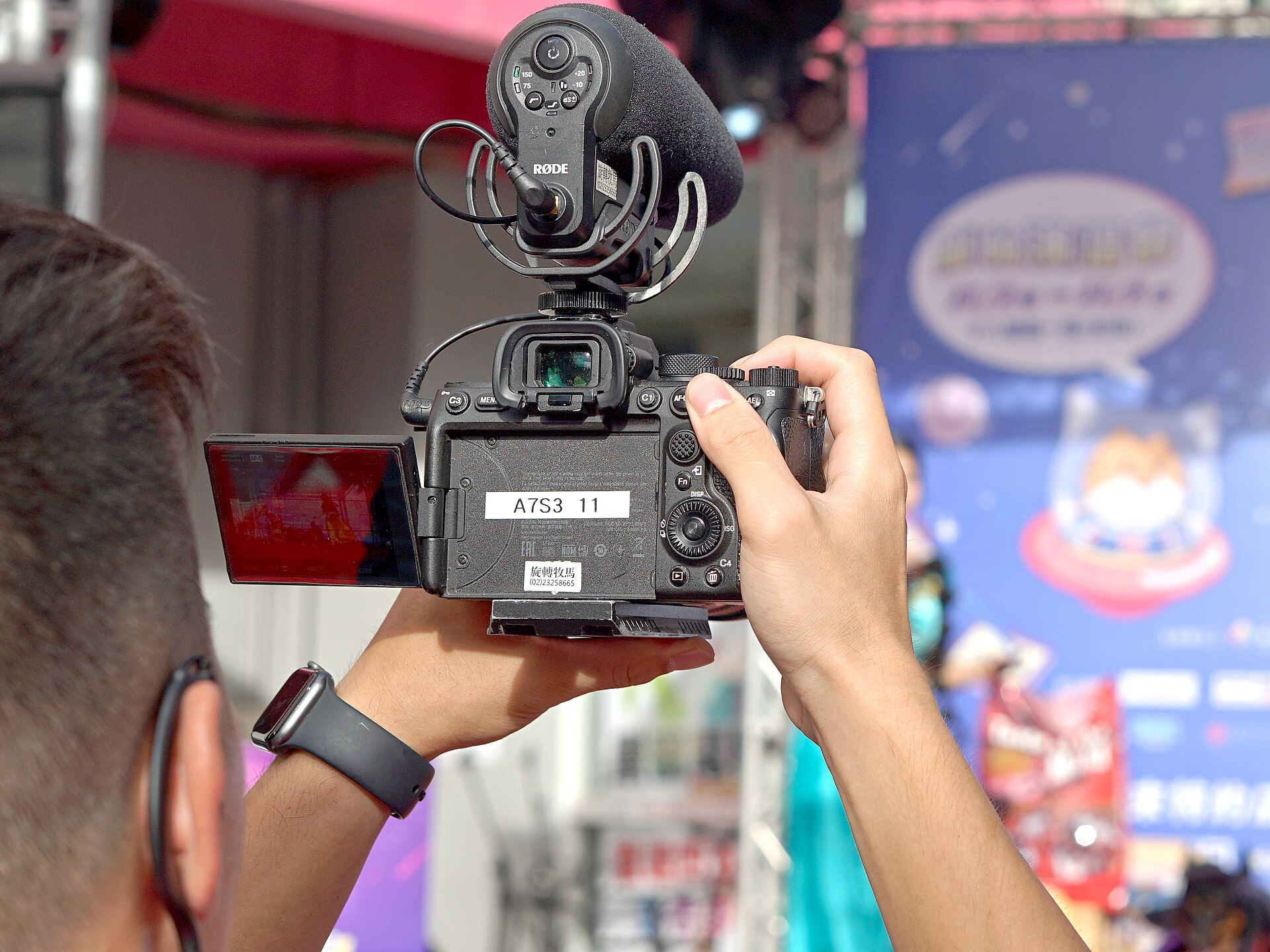
You do not need professional equipment, but you do need a setup that is stable, audible, and honest. A smartphone on a small tripod at the back of the room will outperform a shaky handheld recording, especially for a full session. Position the camera so the screen and the speaker are both visible, and check that the room lighting does not leave the speaker as a silhouette.
Sound matters more than image. If the venue has a sound desk, ask whether you can record a clean audio feed, or place a small recorder near the speaker. Audiences forgive a slightly soft picture but abandon footage they cannot hear. Do a short test clip before the session begins, and confirm the file plays back correctly. Reliable audio and a steady frame are the whole requirement.
What to capture and how to frame it
Not every minute needs to be kept. Aim for evidence that shows three things: how you open and set up your argument, how you handle a substantial section of the content, and how you respond to questions. A complete recording is useful, but short clips are what people will actually watch, so plan to cut a few clear excerpts later.
Keep the framing honest. Do not edit a clip to imply a larger audience, a warmer response, or a smoother delivery than occurred. Trim the beginning and end for clarity if you wish, but leave the substance intact. An assessor who senses manipulation will discount the whole record, so the value of the footage depends on its reliability.
Storing, labelling, and describing the material
A recording that cannot be found is almost useless. Store your footage in a consistent place, whether a cloud folder or a local drive with a backup, and name each file so its contents are obvious. A workable convention includes the event, the date, the format, and a short subject label. Avoid vague filenames that force you to open every file to see what it contains.
Alongside each recording, keep a short written note: the title of the talk, the venue or host, the audience, the length, and the topics covered. Embed the same information in any video description when you publish. This metadata lets a busy reader understand the footage without watching all of it, and it links the recording to the claims in your profile.
Reusing and maintaining the archive
Think of the archive as an asset that grows. A speaker page on your website can gather talk titles, abstracts, slide decks, and clips in one place, so that a curator or an assessor finds everything quickly. When you apply for a speaking slot, a fellowship, or an award, a single link to a well-organised page is more convincing than a scattered set of attachments.
Review the archive once or twice a year. Remove recordings that are no longer representative, update filenames and descriptions, and check that links still work. Footage from several years ago may show outdated material or weaker delivery, so keep the record current. A small, tidy archive of recent, clear sessions serves you better than a large, disorganised pile.
Practical checklist
- [ ] Ask the organiser about recording permissions before the event day.
- [ ] Request the venue's official footage if the event films its sessions.
- [ ] Confirm camera placement, power, and lighting with the organiser.
- [ ] Collect or record consent from every speaker and participant on camera.
- [ ] Test audio and video in advance and play back the file to check it.
- [ ] Capture the opening, a substantial section, and the question period.
- [ ] Store footage with clear filenames and matching written descriptions.
- [ ] Keep a speaker page and review the archive for accuracy each year.
Contributing to BGTC Voice
Documenting your speaking work turns a series of events into a verifiable record of professional practice. If you have built a method for capturing talks and workshops, or learned from footage that changed how you present, BGTC Voice welcomes accounts that help others record their own work well. Submissions should stay practical and factual, and respect the consent of everyone who appears on camera.